Navigating Virtual Interview Challenges: Expert Solutions for Remote Job Seekers
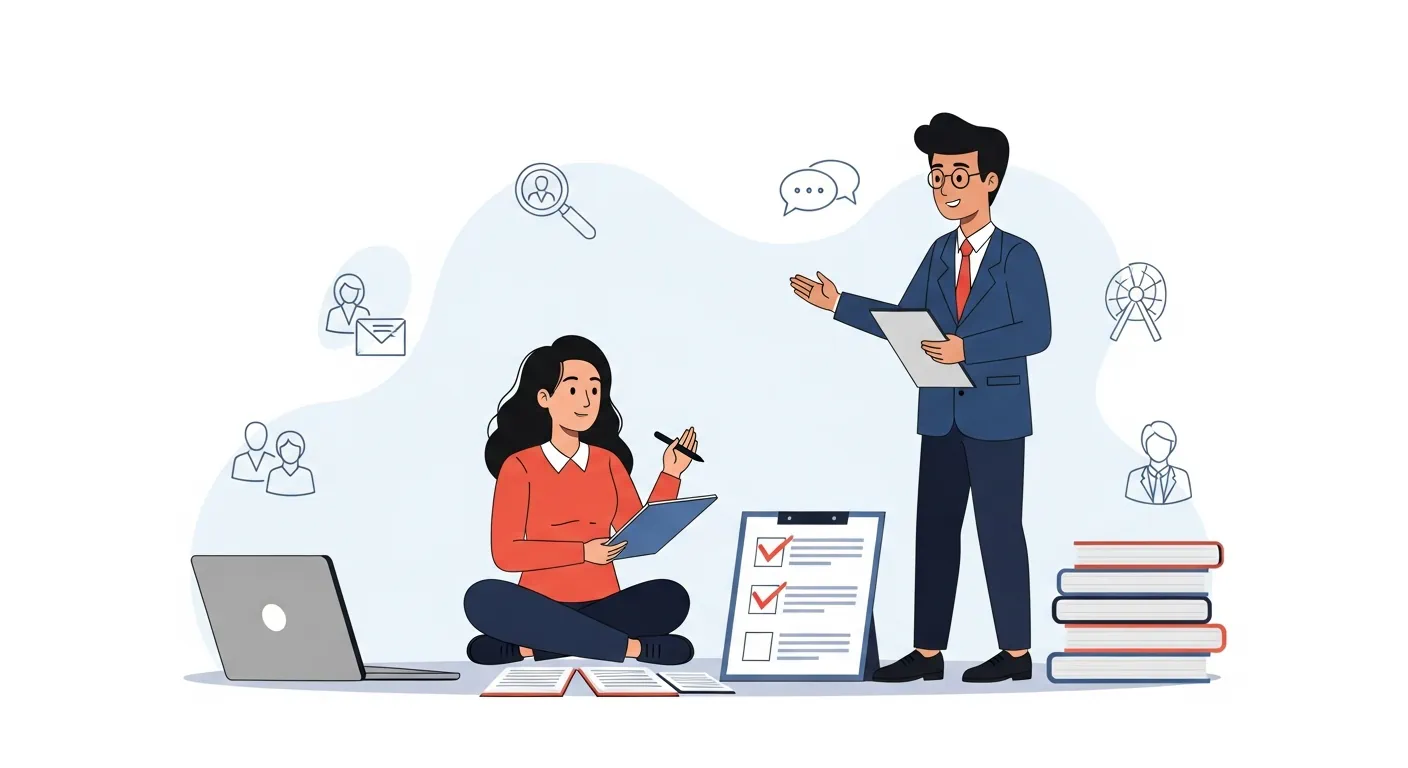
Navigating Virtual Interview Challenges: Expert Solutions for Remote Job Seekers
The landscape of job searching has dramatically shifted, making virtual interviews a standard part of the hiring process. While offering convenience, these digital encounters introduce unique hurdles that can trip up even the most prepared candidates. From technical glitches to the nuances of conveying personality through a screen, navigating virtual interview challenges requires a specific skill set and strategic preparation. This article provides comprehensive, expert solutions designed to empower remote job seekers, transforming potential pitfalls into opportunities to shine.
We'll delve into effective strategies for technical readiness, mastering virtual communication, and maintaining composure under pressure. Our goal is to equip you with the knowledge and confidence to ace your next online interview.
Key Points for Virtual Interview Success:
- Technical Readiness: Always test equipment and internet connection beforehand.
- Mastering Presence: Practice maintaining eye contact with the camera, not the screen.
- Active Engagement: Use verbal and non-verbal cues to show enthusiasm.
- Environment Control: Minimize distractions for a professional backdrop.
- Strategic Follow-Up: Leverage virtual tools for impactful post-interview communication.
Understanding Common Virtual Interview Challenges for Remote Job Seekers
Remote job seekers often face a unique set of obstacles during virtual interviews that differ significantly from in-person meetings. Understanding these common virtual interview challenges is the first step toward effective preparation. Many candidates grapple with technical reliability, the difficulty of establishing rapport remotely, and managing their environment effectively. These factors can collectively impact performance and perception.
Technical Glitches and Connectivity Woes
One of the most anxiety-inducing aspects of a virtual interview is the potential for technical failure. A dropped internet connection, microphone issues, or software glitches can disrupt your flow and project an image of unpreparedness. Overcoming tech issues in virtual interviews is paramount. These aren't just minor inconveniences; they can severely impact your ability to communicate your qualifications clearly. Imagine being halfway through a crucial answer only for your video to freeze—it’s a situation no one wants to experience.
Non-Verbal Communication Hurdles on Camera
In a physical interview, body language, hand gestures, and subtle facial expressions play a huge role in conveying confidence and engagement. Translating these cues effectively to a two-dimensional screen is a significant challenge. Maintaining appropriate eye contact, for instance, means looking at your camera, not necessarily the interviewer’s face on your screen. This often feels unnatural and requires dedicated practice. The absence of a shared physical space can also make it harder to read the interviewer's reactions, making it difficult to gauge how your answers are being received.
Managing Distractions and Environment Control
Your home environment, while comfortable, is rarely as controlled as a professional office setting. Pets, family members, notifications, or even unexpected noises outside can become major distractions. Ensuring a quiet, professional backdrop is crucial, yet often overlooked. A cluttered background or poor lighting can detract from your professional image, shifting the interviewer's focus away from your qualifications.
Mastering Virtual Interview Platforms: Expert Solutions
Successfully navigating virtual interview challenges starts with mastering the tools and environment. This goes beyond simply logging in; it involves proactive preparation and a strategic mindset. By anticipating potential problems and implementing solutions, you can present yourself as a polished and competent remote professional.
Pre-Interview Tech Checklist for Seamless Execution
Before any virtual interview, a thorough tech check is non-negotiable. This isn't just about ensuring everything works; it's about optimizing for peak performance. First, verify your internet speed. A minimum of 10-15 Mbps upload and download is generally recommended for stable video calls. Clear your desktop of unnecessary icons and close all irrelevant applications to free up bandwidth and avoid distractions. Test your microphone and webcam rigorously using a friend or a recording tool. This step helps identify any audio or video quality issues before they arise during the actual interview. For instance, in a 2024 survey by Remote.co, 68% of remote hiring managers cited stable internet connection as a top priority for candidates.
Developing Robust Backup Plans for Every Contingency
Even with meticulous preparation, technical issues can still occur. Having a backup plan demonstrates resourcefulness and professionalism. Keep your interviewer's phone number handy in case of a video call failure, allowing you to transition to an audio-only call if necessary. Consider having a secondary device (e.g., a fully charged smartphone with a good data plan) ready as an emergency hotspot or a completely separate way to join the meeting. This forward-thinking approach shows you’re prepared for anything. For more details on preparing your setup, consider reading our guide on optimizing your virtual interview setup.
Optimizing Your Interview Setup for Professionalism
Your physical setup significantly impacts your virtual presence. Choose a quiet, well-lit space. Natural light is ideal; position yourself facing a window. If natural light isn't available, use a soft, diffused light source to illuminate your face evenly, avoiding harsh shadows. Your background should be clean, uncluttered, and professional. A blank wall or a tastefully decorated bookshelf works well. Ensure your camera is at eye level to simulate natural conversation. Elevate your laptop on books or a stand if needed. Finally, wear professional attire, remembering that interviewers see more than just your top half—a cohesive, professional look is always best.
Boosting Your Virtual Presence: Solutions for Remote Interviews
Beyond technical mastery, your ability to project confidence and engage effectively through a screen is critical. Boosting your virtual presence is an art that combines conscious effort with refined communication strategies. These expert solutions focus on making a memorable impression despite the digital divide.
Mastering Non-Verbal Cues on Camera
Effective non-verbal communication is vital, especially when navigating virtual interview challenges. To convey engagement, consistently look into your camera, not at your own image or the interviewer's square on the screen. This creates direct eye contact for the interviewer. Maintain good posture, sitting upright and slightly forward to project attentiveness. Use subtle hand gestures naturally, but keep them within the camera frame to avoid distraction. Practice smiling genuinely, as a warm, authentic expression can significantly enhance your approachability and confidence.
Active Listening and Demonstrating Engagement Virtually
Active listening is more challenging online but remains paramount. Show you’re engaged by nodding occasionally, offering brief verbal affirmations ("Mm-hmm," "I understand"), and taking concise notes. When it's your turn to speak, reference points made by the interviewer to show you were paying attention. For instance, "As you mentioned about X, I have experience with Y..." This thoughtful approach indicates respect for the conversation. According to a 2023 LinkedIn survey, recruiters highly value candidates who demonstrate strong active listening skills in remote settings.
Crafting Concise and Impactful Responses
In a virtual format, attention spans can be shorter, and technology can sometimes introduce delays. Therefore, it's crucial to deliver clear, concise, and impactful answers. Avoid rambling; get straight to the point using the STAR method (Situation, Task, Action, Result) for behavioral questions. Practice articulating your thoughts succinctly, ensuring each sentence adds value. This shows respect for the interviewer's time and confidence in your message. To refine these skills further, explore more resources in our Virtual Interview Preparation category.
Advanced Strategies for Navigating Virtual Interview Challenges
To truly excel as a remote job seeker, going beyond the basic virtual interview tips is essential. These advanced strategies incorporate unique insights and address the latest industry trends, providing you with a differentiated edge.
Researching Company Culture Virtually
Understanding a company's culture is crucial, and it's even more important when you'll be working remotely. Dig deeper than the 'About Us' page. Explore their social media (LinkedIn, Glassdoor, X), look for employee testimonials, and read blog posts that give insight into daily life. Pay attention to how employees interact online. Look for signs of work-life balance initiatives or specific communication tools they utilize. During the interview, ask pointed questions about team collaboration, communication styles, and how they foster connection among remote employees. This shows a genuine interest in their specific remote work environment.
Preparing for AI-Powered Screening and Assessments
The rise of AI in hiring is a significant trend, especially for remote roles. Many companies now use AI tools to analyze video interviews for keywords, sentiment, and even facial expressions. While seemingly impersonal, you can prepare. Understand that these systems are looking for specific cues. Practice articulating your answers clearly, using relevant keywords from the job description. Maintain confident body language and a steady speaking pace. Some platforms even offer practice sessions, which can be invaluable for familiarizing yourself with the AI's expectations.
Leveraging Post-Interview Virtual Follow-Up
The follow-up is not just a courtesy; it's a critical opportunity to reinforce your interest and address any points you might have missed. Beyond the standard thank-you email, consider what additional value you can provide. Perhaps you can send a brief, well-researched article relevant to a discussion point, or a link to a project that directly illustrates a skill mentioned. Keep it concise and professional, and send it within 24 hours. This proactive approach underscores your enthusiasm and attention to detail.
Maintaining Composure: Mental Strategies for Virtual Interview Success
The psychological aspect of virtual interviews is often underestimated. Managing stress and projecting confidence through a screen can be demanding. These mental strategies are expert solutions for remote job seekers to ensure a calm and compelling performance.
Implementing Pre-Interview Mindfulness Techniques
Before your interview, take 10-15 minutes to practice mindfulness or meditation. This could involve deep breathing exercises, a short guided meditation, or simply sitting in silence. Focus on calming your nerves and centering your thoughts. Visualizing a successful interview can also build confidence. This practice can significantly reduce anxiety, allowing you to enter the conversation with a clearer mind and a more composed demeanor. A 2024 study by the American Psychological Association highlighted that mindfulness techniques significantly reduce pre-performance anxiety in high-stakes situations.
Handling Unexpected Questions and Technical Blips with Grace
It's inevitable that something unexpected might happen, whether it's an odd question or a sudden technical hiccup. The key is to react with grace and professionalism. If a technical issue occurs, calmly state the problem, apologize briefly, and offer a solution (e.g., "It seems my audio cut out, would you mind repeating the question?"). For unexpected questions, it's perfectly fine to pause and collect your thoughts. A simple, "That’s an excellent question, let me take a moment to consider my response," shows thoughtfulness, not weakness. From my experience coaching remote professionals, maintaining a calm and collected presence during unforeseen events leaves a profoundly positive impression on hiring managers, often more so than flawless execution.
Projecting Confidence Through a Virtual Medium
Confidence isn't just what you say; it's how you say it and how you carry yourself. Use a clear, strong speaking voice, avoiding mumbling or trailing off. Vary your tone and pace to keep the interviewer engaged. Maintain an open posture, avoid fidgeting, and use your hands for natural, illustrative gestures. Remember that the camera can exaggerate movements, so be mindful of over-animated gestures. Believe in your qualifications and communicate that belief through your virtual presence. Research from the Harvard Business Review (2025) suggests that candidates exhibiting strong virtual executive presence are 30% more likely to advance in remote interview processes. For more tips on psychological preparedness, see our article on psychological hacks for remote job interviews.
Frequently Asked Questions About Virtual Interviews
What's the best way to handle technical issues during a virtual interview?
The best approach is to have a backup plan. Before the interview, test all your equipment and internet. If an issue arises, calmly inform the interviewer, apologize briefly, and suggest a pre-arranged alternative, like switching to a phone call or using a backup device. Maintain composure; your ability to handle stress gracefully is often more memorable than the technical glitch itself.
How can I make a strong personal connection virtually?
Building rapport in a virtual setting involves intentional effort. Use positive body language, such as smiling and nodding. Maintain direct eye contact by looking at your camera. Actively listen and show engagement by referencing the interviewer's points. Ask thoughtful, specific questions about the role or company culture that show genuine interest, going beyond generic inquiries.
Should I use a virtual background or a real one?
A real background is generally preferred if it's clean, professional, and free of distractions. It often looks more authentic and less prone to glitches than virtual backgrounds. If your real background isn't suitable, a simple, solid-colored virtual background can be an acceptable alternative. Ensure any virtual background you use is static, professional, and doesn't distract from your presence.
How do I prepare for behavioral questions in a virtual interview?
Prepare for behavioral questions by practicing your answers using the STAR (Situation, Task, Action, Result) method. Have several compelling examples ready for common questions about teamwork, challenges, and successes. Rehearse articulating these stories concisely and clearly, ensuring they showcase relevant skills and positive outcomes without rambling.
Conclusion: Master Your Virtual Interview Challenges Today
Navigating virtual interview challenges is no longer just an advantage—it's a necessity for securing remote roles. By adopting these expert solutions, remote job seekers can move beyond mere technical proficiency to truly master the art of virtual communication and presence. From meticulous technical preparation and strategic engagement to cultivating a resilient mindset, every tip shared aims to elevate your interview game.
Embrace these strategies to transform the daunting aspects of remote interviews into opportunities to showcase your professionalism, adaptability, and readiness for the modern workforce. The future of work is remote, and your ability to shine virtually will be a cornerstone of your success.
Take the Next Step:
- Share Your Insights: What virtual interview challenges have you faced, and how did you overcome them? Share your experiences in the comments below!
- Subscribe for More: Sign up for our newsletter for the latest remote work tips and career advice.
- Continue Learning: Explore our other guides on remote job search strategies and building a compelling virtual resume for extended reading.